Back to Apps
Byta AI

Byta on every screen

Take your ideas with you.

Choose the experience made for your device. Your Byta account, credits, and creations stay together.

Open Google PlayContinue on the web

Scan to open on your phone

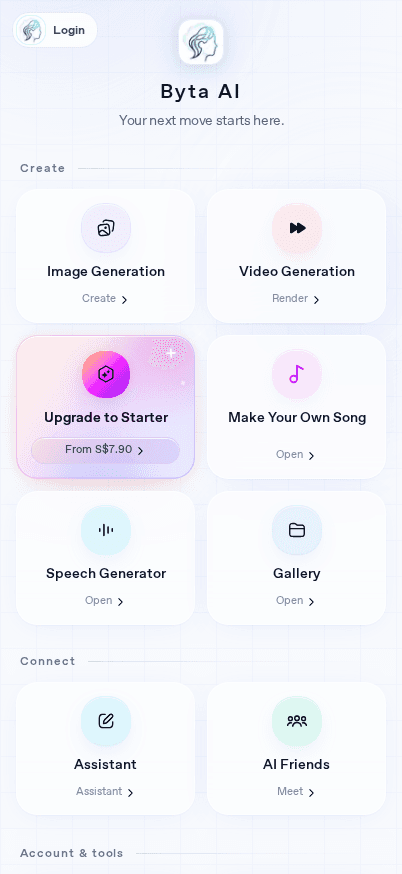
Byta AI Apps on mobile

Byta AI

Choose how to install

Get Byta AI on Android from Google Play, or add the web app to your iPhone or iPad Home Screen. Use one account to keep your credits and creations together.

Android

Get the native app

Install the complete Byta AI Android app with Google Play billing and native device features.

Open Google Play

No Google Play?

Use Byta without Google Play

No Google Play needed. Add Byta to your Home Screen and use the secure web sign-in and checkout.

iPhone & iPad

Install the Byta web app

There is no App Store release yet. Safari can place Byta on your Home Screen and open it like an app.

  1. 01
    Open Byta Apps in Safari.
  2. 02
    Tap the … button at the bottom-right of Safari.
  3. 03
    Tap Share in the menu that opens.
  4. 04
    Scroll down and choose Add to Home Screen.
  5. 05
    Keep Open as Web App turned on, then tap Add in the top-right.

Coming soon: you’ll be able to download Byta directly from the App Store.

Choose the experience made for your device. Your Byta account, credits, and creations stay together.

Continue on the web