
Plan for the outcome
Build a dramatic arc with characters, a setting, and scene beats that carry the story forward.
Plan for the outcomeDrama · Story production
Turn a story idea into a short drama. Shape the brief, plan the scenes, generate connected clips, and finish an editable video project in one workspace.
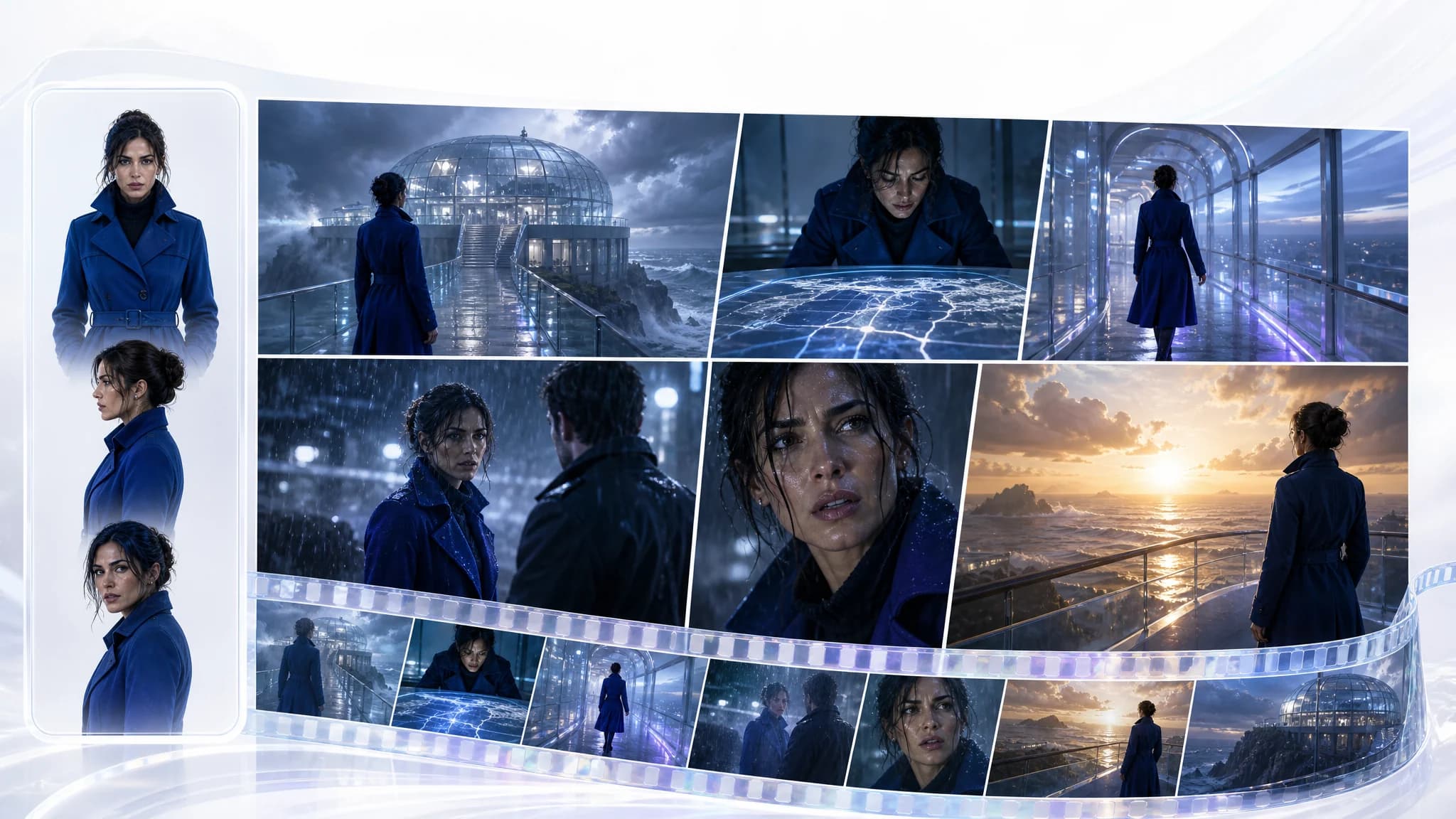 01 / Plan for the outcome
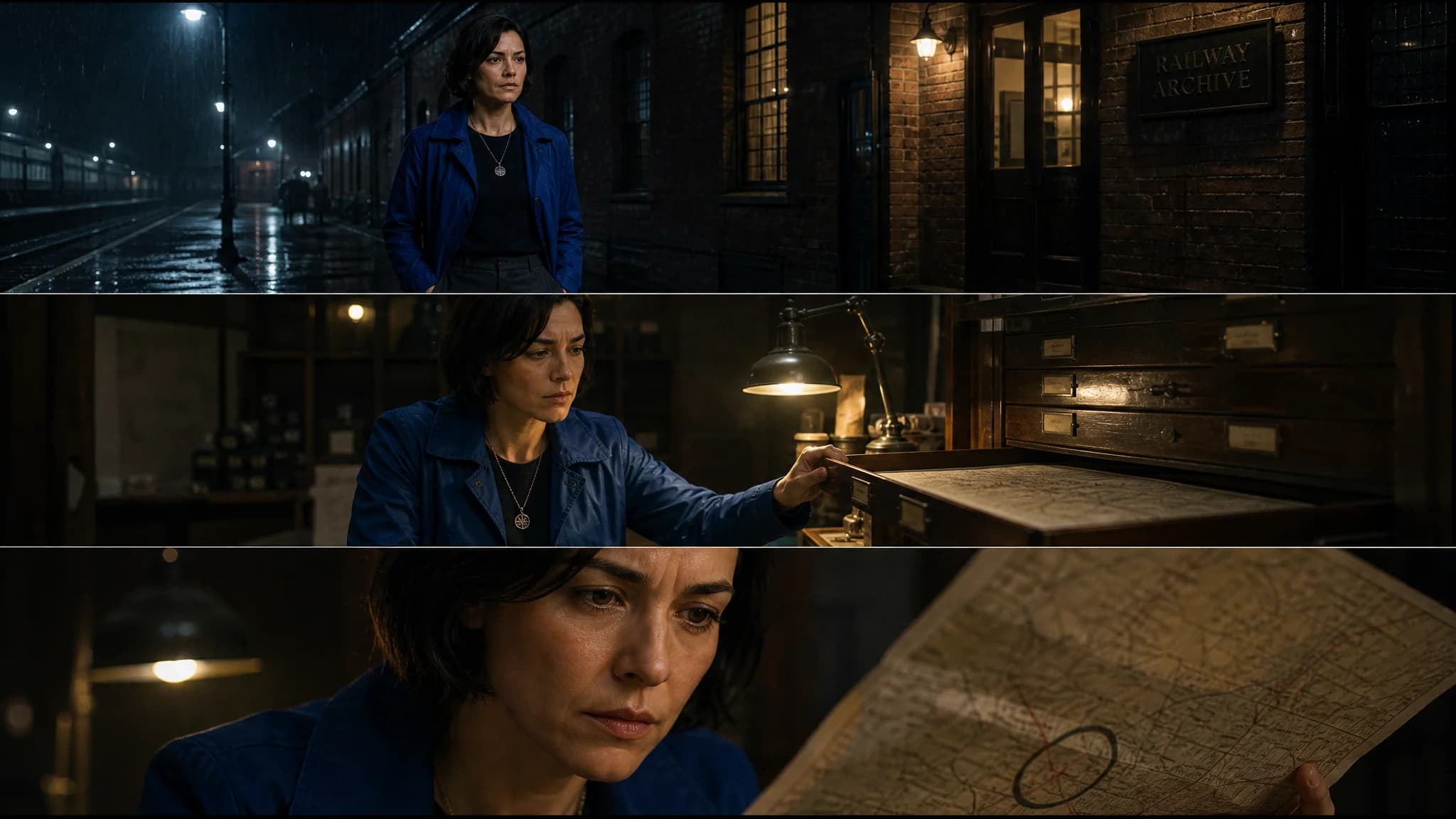 02 / Carry references forward
Choose your production
Build a dramatic arc with characters, a setting, and scene beats that carry the story forward.
Plan for the outcomeUse character and location references to guide the look and continuity of your drama.
Carry references forwardDrama example · Made for continuity
Drama uses character and location references to guide each scene. The script carries the action forward while you review continuity across the cut.
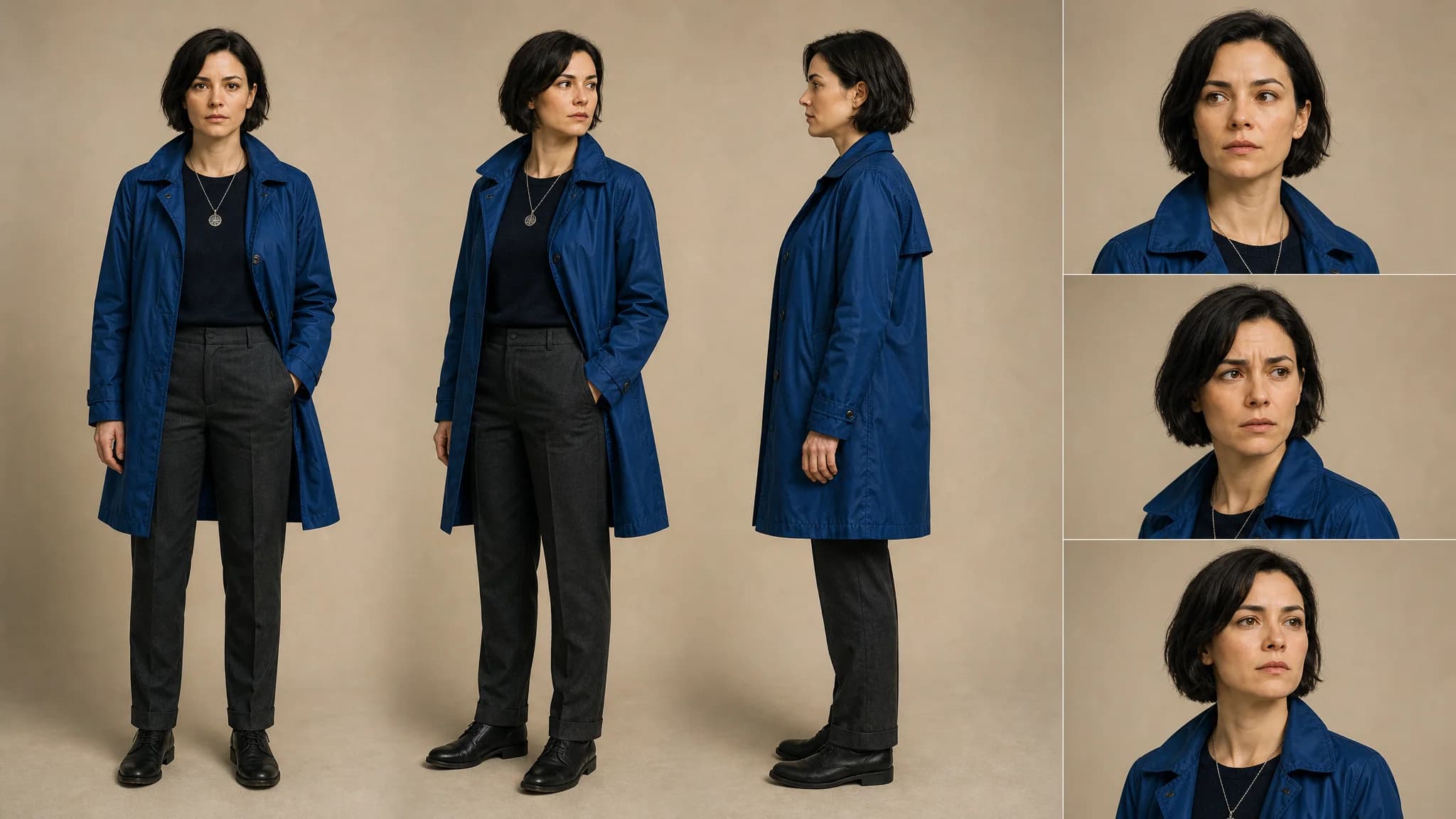
Bring a story idea or script and review the production plan.
Approve references and scene beats, then generate the clips for each part.
Review generated footage before use. Check character consistency, scene transitions, and story continuity before publishing. The credit cost is shown before a paid production job starts.
Carry references forward
Drama uses character and location references to guide each scene. The script carries the action forward while you review continuity across the cut.
Three ways in
Review generated footage before use. Check character consistency, scene transitions, and story continuity before publishing. The credit cost is shown before a paid production job starts.
Bring a story idea or script and review the production plan.
Approve references and scene beats, then generate the clips for each part.
Check character and story continuity, adjust the edit, and export the drama.
What you can do
01
02
03
The workflow
Bring a story idea or script and review the production plan.
Approve references and scene beats, then generate the clips for each part.
Check character and story continuity, adjust the edit, and export the drama.
Review generated footage before use. Check character consistency, scene transitions, and story continuity before publishing. The credit cost is shown before a paid production job starts.
Questions, answered
Choose Simple AI to develop an idea into a drama, Guided AI to work through the production steps, or Manual mode to direct the project yourself.
No. Simple AI Mode helps turn an initial story idea into a reviewable brief. You can also bring a detailed script into Guided or Manual mode.
Yes. Each project keeps its brief, references, clips, and edit together. Simple AI Mode produces a final MP4, and you can continue in the Guided editor after its job finishes.
Ready when the idea is.