
Move a concept into view
Give the next product idea something people can judge.
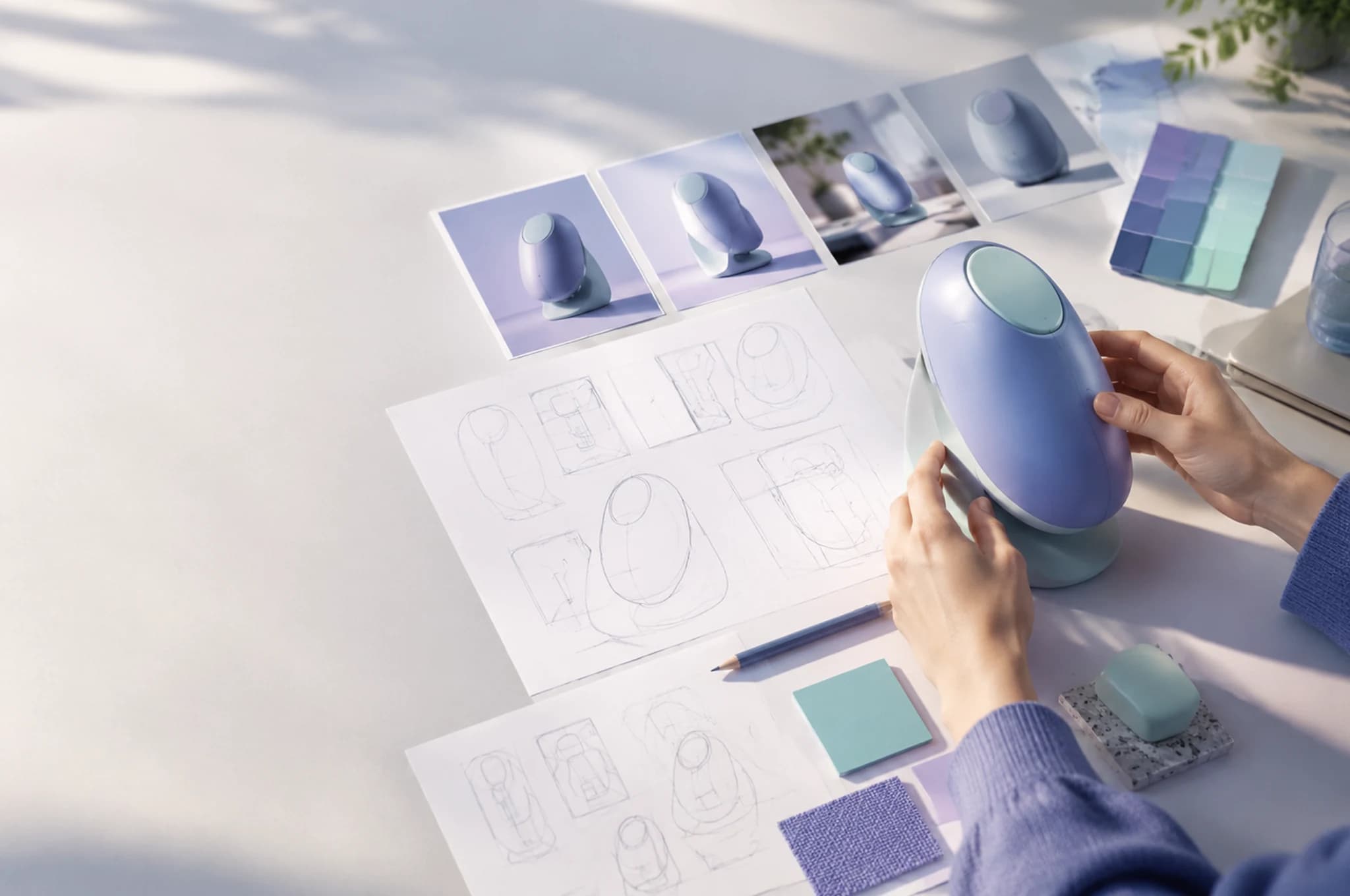
Turn a brief into visual directions, compare concepts, and make a short motion study before a team commits to production.
 Product teams / Byta AI
A concrete example
A written brief becomes three visual routes and a reviewable motion study.
Keep the core constraint visible: audience, function, materials, and form. Generate alternatives to discuss, then document what the team accepts or rejects.
- Concept images with shared constraints
- A comparison board for review
- A short motion study for presentation
A comparison board for review
A short motion study for presentation
Concept images with shared constraints
A practical route through Byta
Give the next product idea something people can judge.
- 01
Write the constraint
Capture who the product serves and what must be true about it.
- 02
Explore routes
Use visual references in Studio to create several deliberate directions.
- 03
Review the tradeoffs
Compare the concepts with engineering and user evidence before building.
Before delivery
Keep the last judgment human.
Concept imagery is for exploration. It does not prove feasibility, safety, accessibility, or manufacturability.
Common questions
Concept imagery is for exploration. It does not prove feasibility, safety, accessibility, or manufacturability.
Can the team compare several directions?
Yes. Studio supports iterative image creation and saved output history for review.
Are generated concepts production specifications?
No. Treat them as visual proposals; validate engineering and user requirements separately.