
Image-led product motion
Give a real product photo a deliberate motion plan.
Use a clear source image to direct a short camera move, material detail, and atmosphere. Review the resulting frames against the actual product before using the clip.
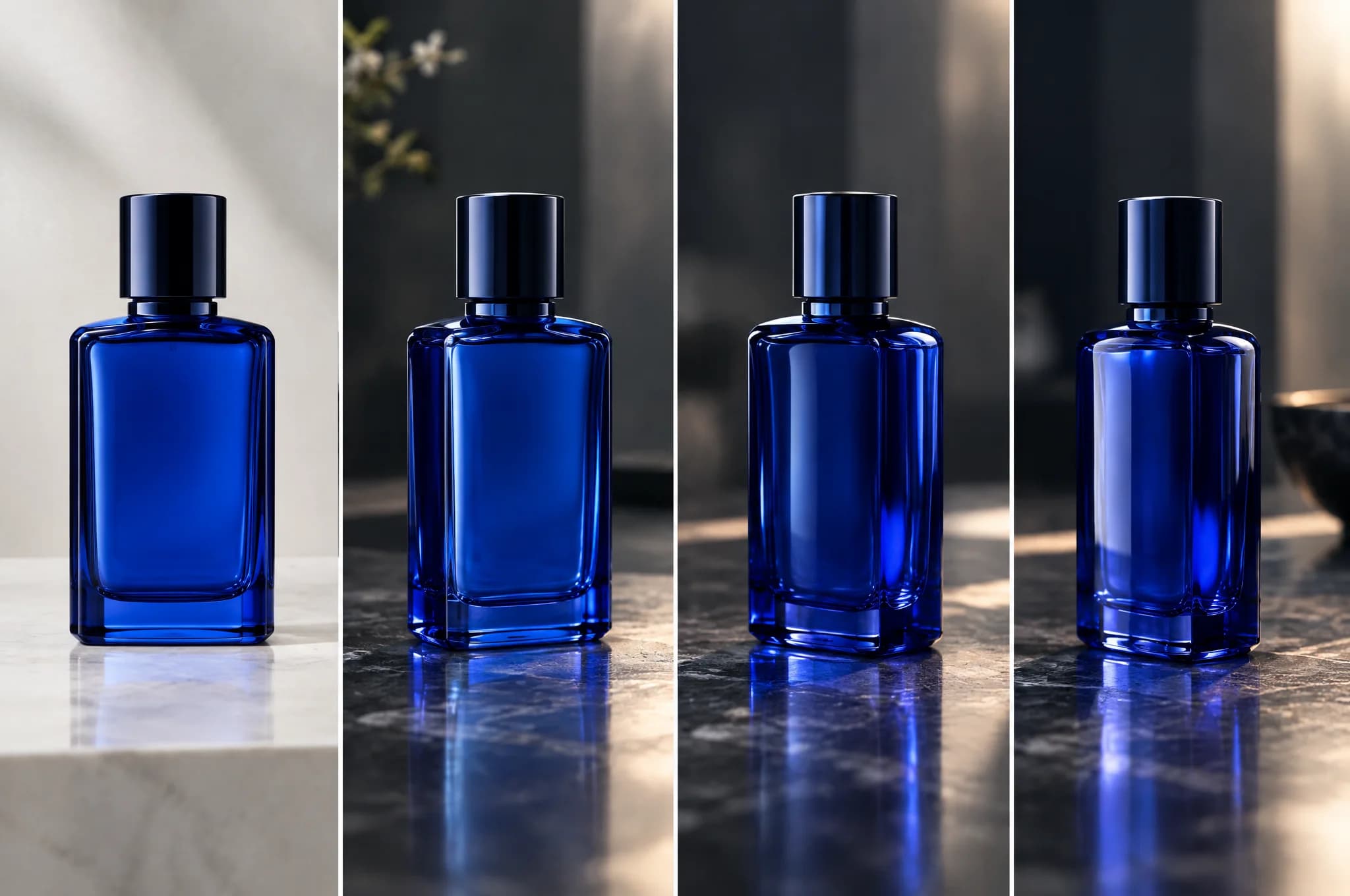 Product photo to video / Byta AI
A concrete example
One bottle photo becomes a restrained short reveal.
Start with the true product image. Direct one camera orbit and one lighting change, then inspect the label, shape, material, and movement frame by frame.
- A clean source image and motion brief
- A short product motion concept
- A frame-by-frame product accuracy check
A practical route through Byta
Give a real product photo a deliberate motion plan.
- 01
Choose the source
Use a sharp, well-lit product photo with clear edges and room for the camera move.
- 02
Direct the movement
Specify camera path, background, light, pace, and one focal detail without competing actions.
- 03
Check every frame
Compare geometry, labels, materials, and claims with the real product before editing or publishing.
Before delivery
Keep the last judgment human.
Generated video may alter small product details or labels. Treat the clip as a concept until the real product has been checked throughout.
Common questions
Generated video may alter small product details or labels. Treat the clip as a concept until the real product has been checked throughout.
Which source photo should I use?
Choose a clear, well-lit image with minimal occlusion and enough space around the product for the intended movement.
Will the product stay exactly the same?
No generative video workflow guarantees exact fidelity. Inspect the product across the clip before commercial use.