
One idea, several finished formats
Turn one idea into a connected creative set.
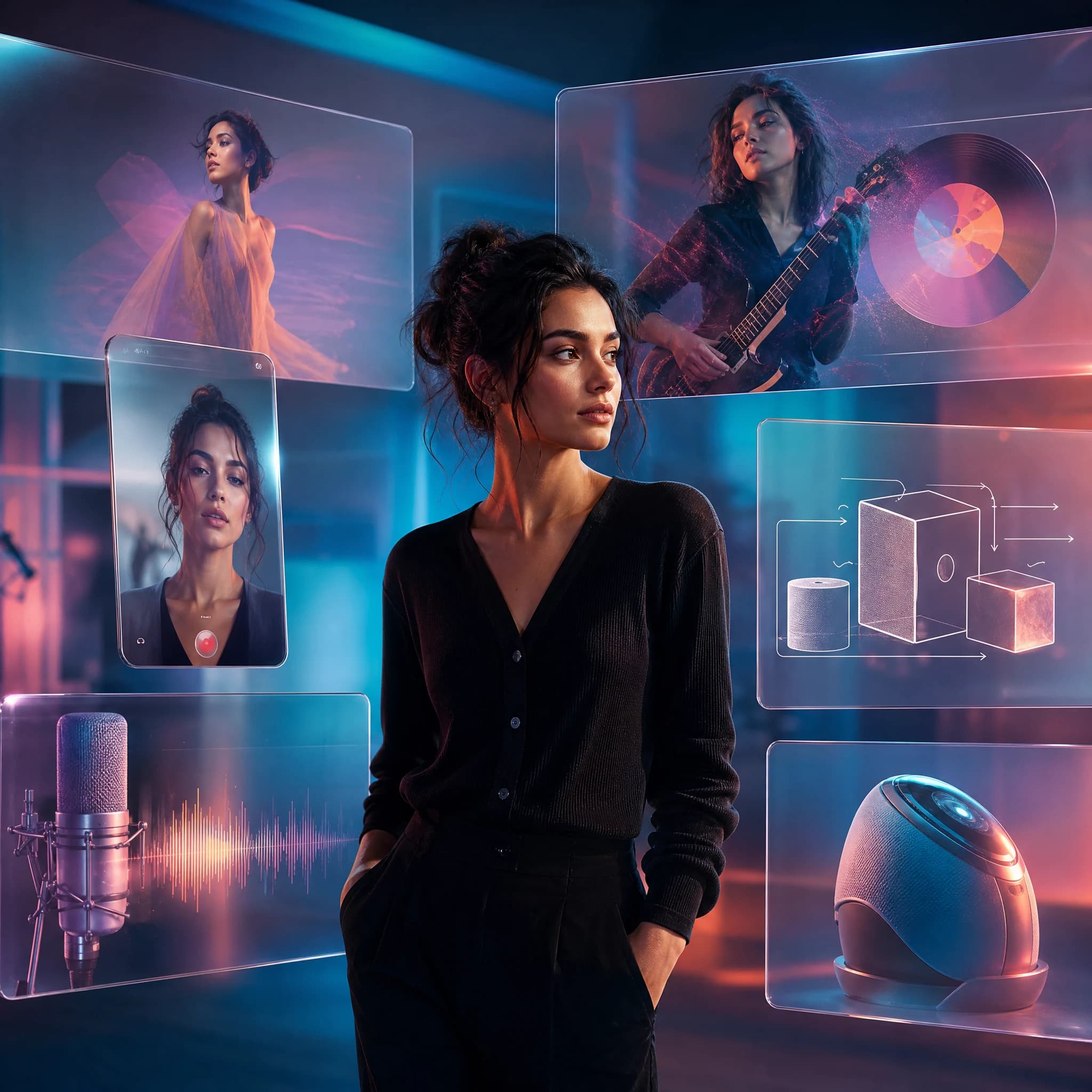
Plan the message in Chat, shape the visual direction in Studio, then add motion, narration, or music where the story needs them.
 Content creators / Byta AI
A concrete example
A 30-second idea becomes a script, key visual, motion clip, and voiced cut.
Keep the central message, audience, and visual references consistent as you move between formats. Review each output before publishing.
- A clear script and shot direction
- A visual system for covers and posts
- A short clip with optional voice or score
Keep the central message, audience, and visual references consistent as you move between formats. Review each output before publishing.
Keep the central message, audience, and visual references consistent as you move between formats. Review each output before publishing.
Keep the central message, audience, and visual references consistent as you move between formats. Review each output before publishing.
Keep the central message, audience, and visual references consistent as you move between formats. Review each output before publishing.
A practical route through Byta
Turn one idea into a connected creative set.
- 01
Frame the idea
Use Chat to outline the audience, hook, and proof the piece needs.
- 02
Build the look
Create stills or references in Image Studio before moving to video.
- 03
Add motion and sound
Make a clip, then add speech or music only if it improves the story.
Before delivery
Keep the last judgment human.
Byta makes assets; you remain responsible for rights, factual claims, platform rules, and the final edit.
Common questions
Byta makes assets; you remain responsible for rights, factual claims, platform rules, and the final edit.
Can I start from a reference image?
Yes. Image and Video Studio support visual reference workflows where the selected model offers them.
Does Byta publish the finished post?
No. Export the assets you approve and publish them through your usual channels.