
 Image Remix
Image Studio
Create a coherent image set, not just one lucky result.
Build campaign images with resolution, aspect ratio, thinking depth, batches, and visual references you can deliberately control.
- Byta-Image-1.5-Pro
- 1K · 2K · 4K
- 4 thinking modes
- Up to 5 references
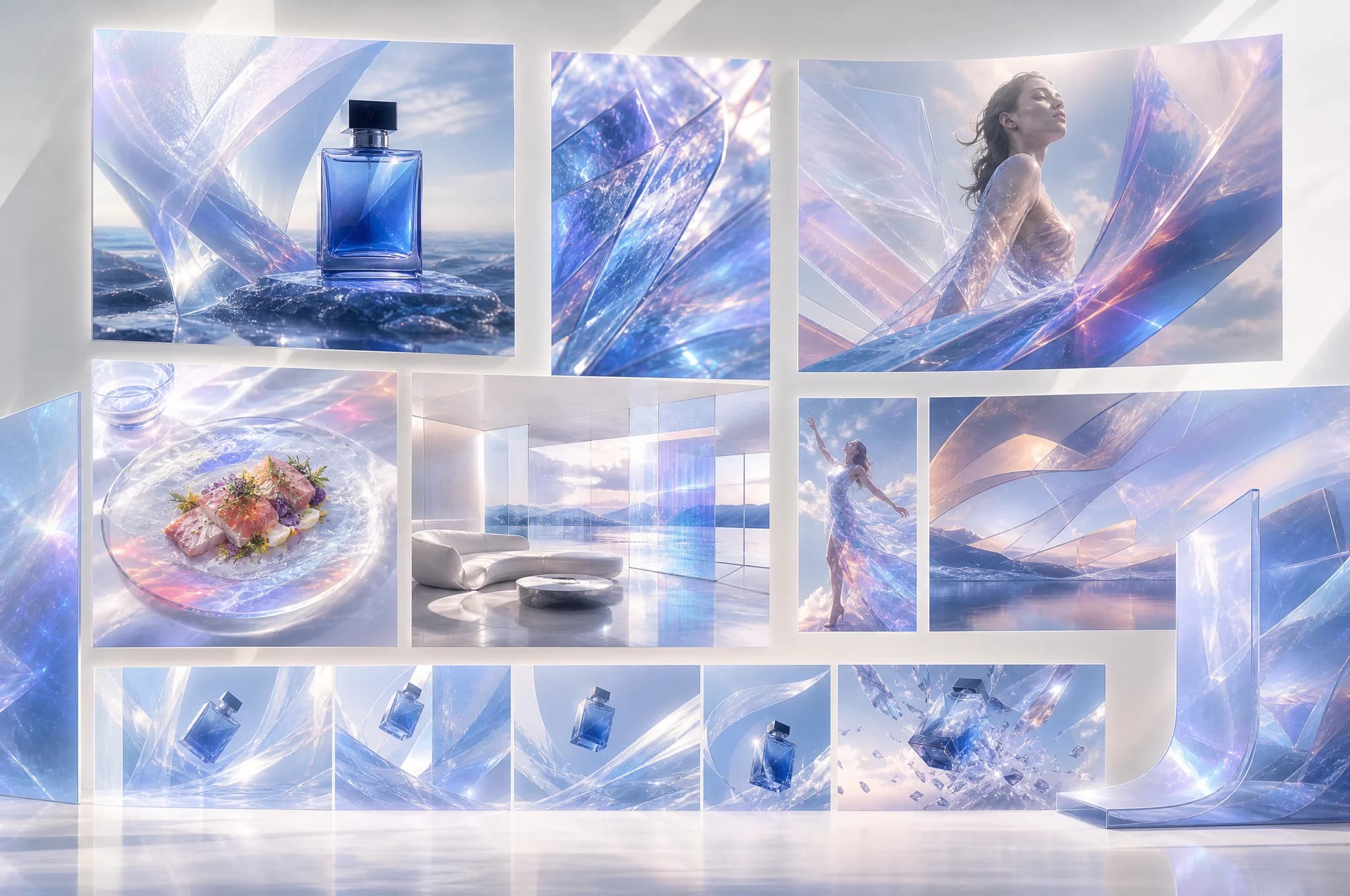
What this workflow deliversOne clear direction becomes a family of usable images.
Real Remix examples
Consistency starts before generation.
Define subject, composition, palette, format, and references before comparing outputs and carrying the strongest direction forward.
Image Remix Image Remix
 Image Remix
 Image Remix
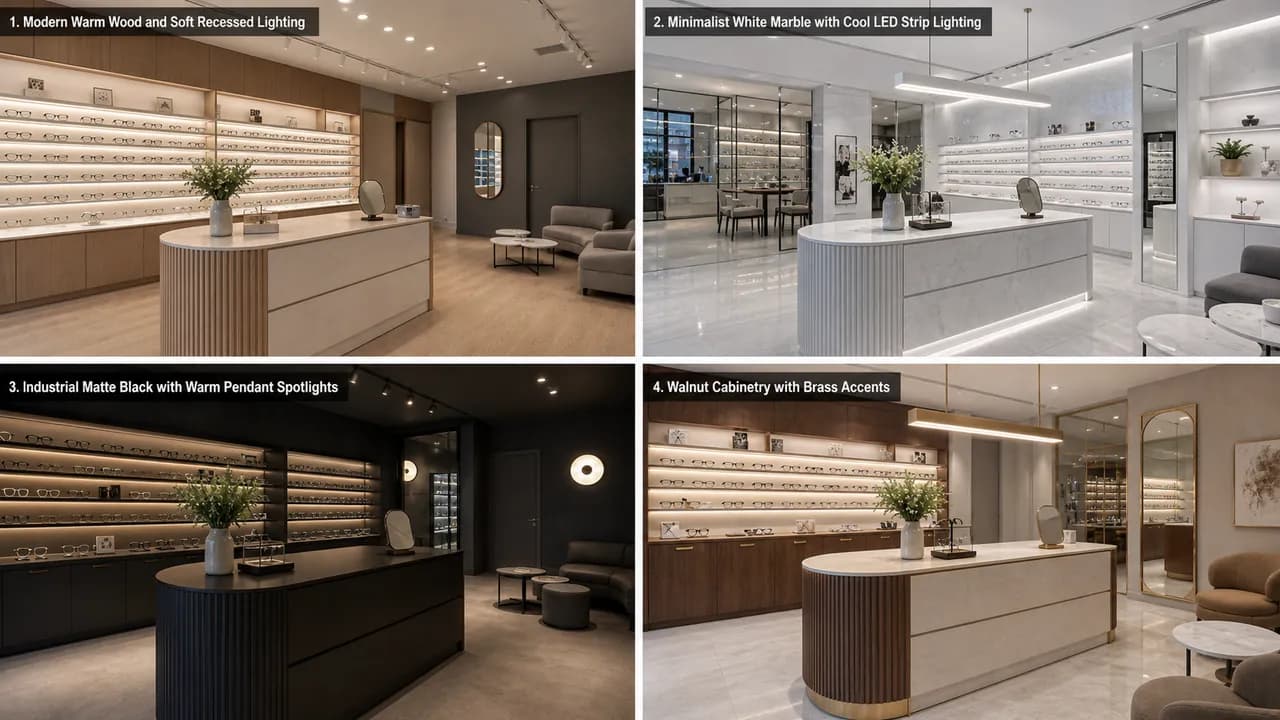 Image Remix
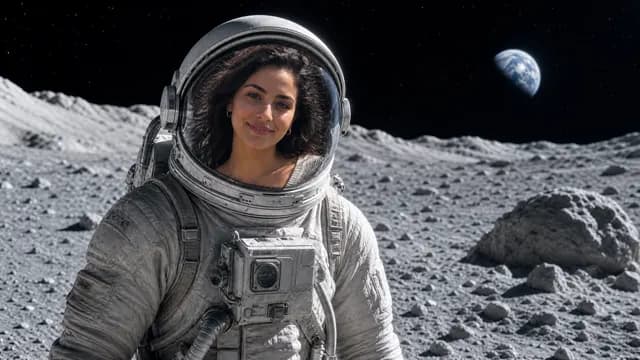 Image Remix
Judge the outcome
Consistency starts before generation.
Define subject, composition, palette, format, and references before comparing outputs and carrying the strongest direction forward.
What you can do
A practical path to usable work.
01
Resolution up to 4K
Move from 1K exploration to 2K or 4K production output without changing workspaces.
02
Thinking you can tune
Choose Auto, Fast, Detailed, or Production thinking to balance speed with precision.
03
Multi-reference direction
Guide subject, style, and composition with up to five references in Pro mode.
The workflow
From direction to delivery.
Describe it
Write the scene, subject, mood, and visual intent.
Set the depth
Choose resolution, aspect ratio, thinking mode, and references.
Keep the result
Review, download, and reuse the finished image from your gallery.
Know before you create
Generated work should be reviewed for accuracy, rights, brand fit, and required disclosures before it is published or used commercially.
Questions, answered
What to expect before you begin.
What resolutions does Byta-Image-1.5-Pro support?
Choose Auto, 1K, 2K, or 4K. Select a specific aspect ratio when requesting a fixed high-resolution output.
What does thinking mode change?
Thinking mode lets you choose Auto, Fast, Detailed, or Production processing. Use faster modes for exploration and higher modes when precision and finish matter more.
Can I choose the image shape?
Yes. Studio includes common landscape, portrait, square, and automatic aspect-ratio options.
Can I use reference images?
Yes. Supported models can use one or more reference images to guide subject, composition, or visual direction.
Can I generate a batch?
Yes. The image workflow supports multi-image batches, with the available count depending on the selected model.
Ready when the idea is.