
A hook built for a vertical feed
Make the first frame earn the next second.
Plan a clear opening, one focused motion beat, and a useful close. Create a vertical clip that leaves room for captions and platform controls.
 Short-form video / Byta AI
A concrete example
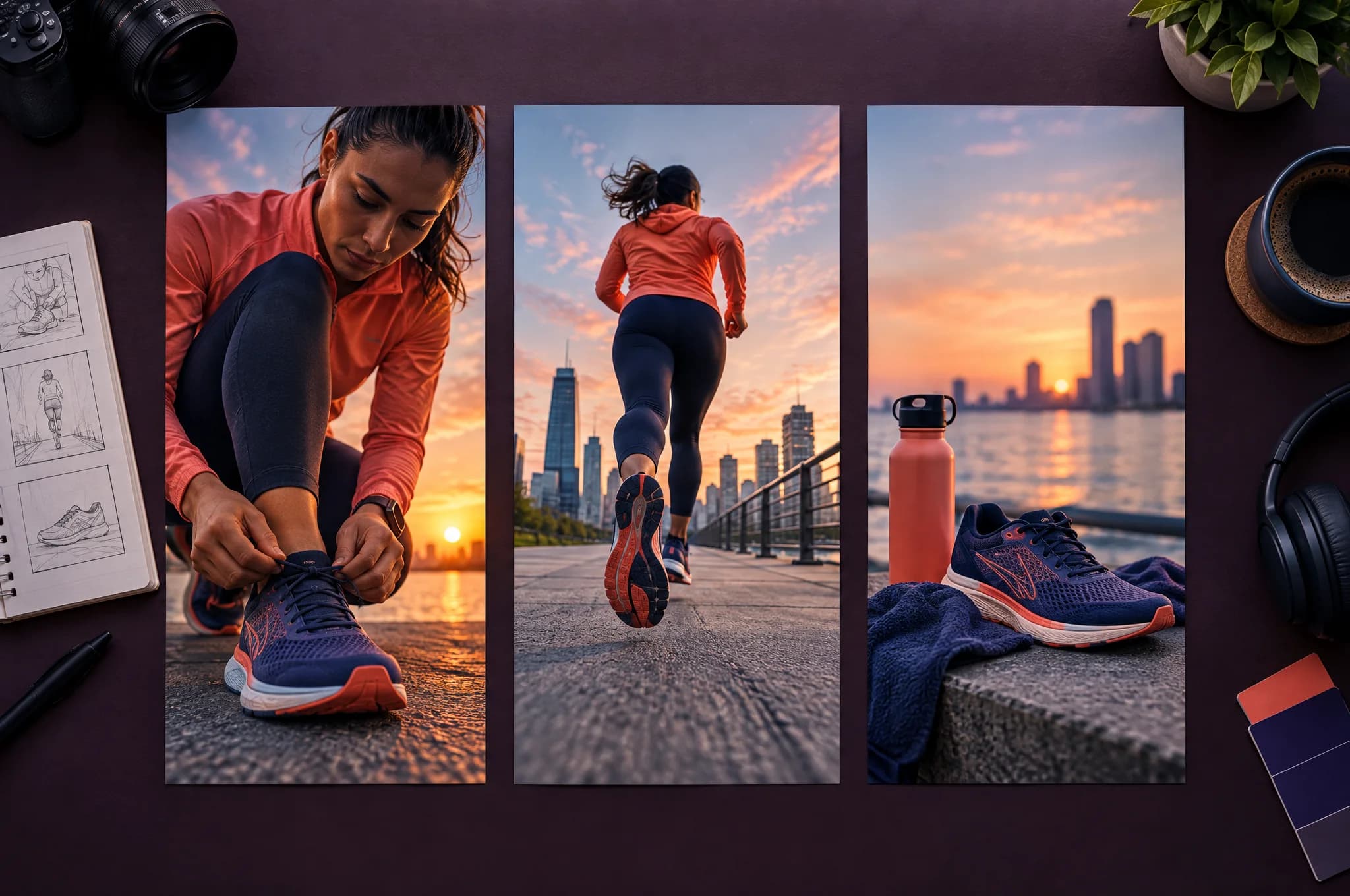
A product story becomes a three-beat vertical sequence.
Show the subject immediately, use one motion beat to develop the idea, and close with an image that can hold the final message. Add exact captions in the final edit.
- A first-frame hook
- A concise vertical motion concept
- A review of caption and interface safe areas
Write the single thing a viewer should understand before they decide to keep watching.
Direct the movement, pace, framing, and closing image around the same idea.
Check 9:16 framing, safe areas, captions, music rights, branding, and platform rules in the final edit.
A practical route through Byta
Make the first frame earn the next second.
- 01
Define the opening
Write the single thing a viewer should understand before they decide to keep watching.
- 02
Build one beat
Direct the movement, pace, framing, and closing image around the same idea.
- 03
Finish for placement
Check 9:16 framing, safe areas, captions, music rights, branding, and platform rules in the final edit.
Before delivery
Keep the last judgment human.
Generated clips are source material for a finished post. Captions, licensed audio, exact timing, required disclosures, and publishing still need final review.
Common questions
Generated clips are source material for a finished post. Captions, licensed audio, exact timing, required disclosures, and publishing still need final review.
Can I generate a vertical video?
Supported Studio video models offer portrait formats. Check the selected model's current orientation controls before creating.
Does Byta add captions or publish the post?
Byta creates the clip. Add exact captions and publish through your own editing and social tools.