
01
Prompt becomes motion
Turn a written scene into a clip without building a timeline first.
Image to video
Start from a visual direction and turn the scene into a short cinematic clip with format controls built for iteration.
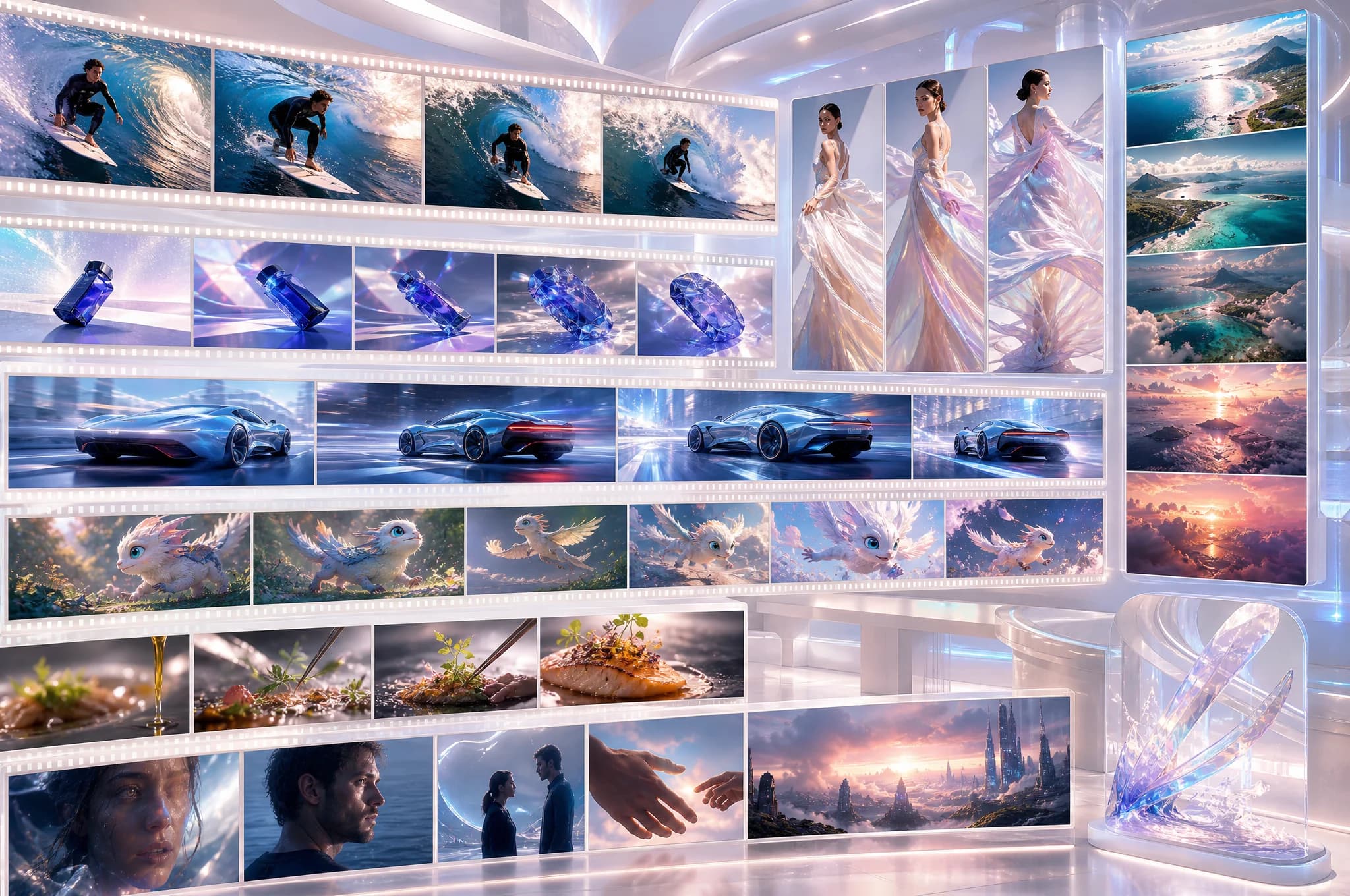
Judge the outcome
Start from a visual direction and turn the scene into a short cinematic clip with format controls built for iteration.
What you can do
01
02
03
The workflow
Describe the subject, action, camera, and atmosphere.
Set duration, resolution, orientation, and model.
Return to the completed clip in gallery and history.
Generated work should be reviewed for accuracy, rights, brand fit, and required disclosures before it is published or used commercially.
Questions, answered
Available Studio models support short clips, including 6-second and 10-second options.
Yes. Studio supports portrait, landscape, and square orientations for different publishing formats.
Completed videos remain available through Studio gallery and generation history.
Ready when the idea is.