
01
Resolution up to 4K
Move from 1K exploration to 2K or 4K production output without changing workspaces.
Reference image generation
Use existing visuals as creative direction for subject, composition, palette, and style—then generate new images that stay closer to the brief.
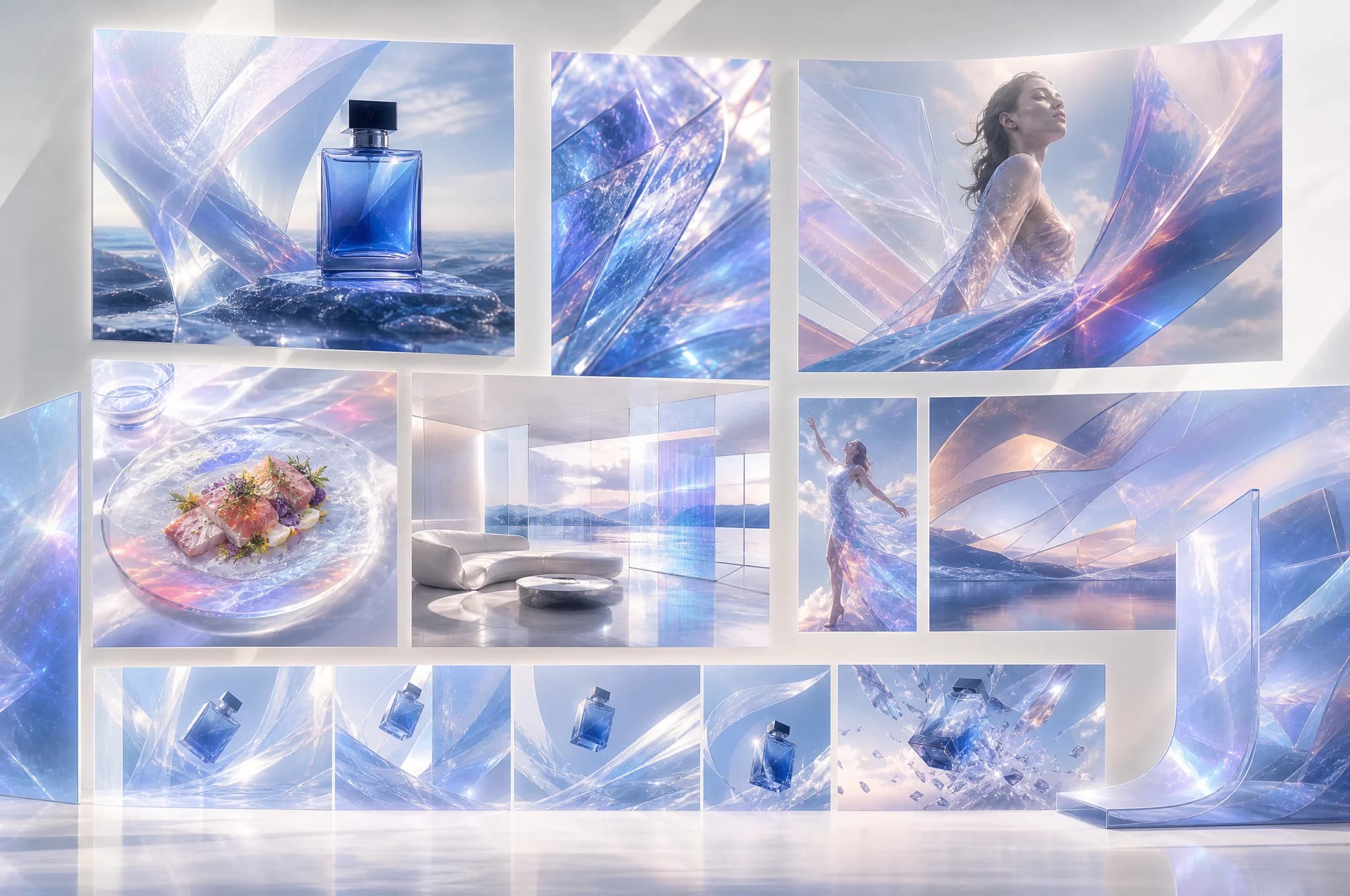
Judge the outcome
Use existing visuals as creative direction for subject, composition, palette, and style—then generate new images that stay closer to the brief.
What you can do
01
02
03
The workflow
Write the scene, subject, mood, and visual intent.
Choose resolution, aspect ratio, thinking mode, and references.
Review, download, and reuse the finished image from your gallery.
Generated work should be reviewed for accuracy, rights, brand fit, and required disclosures before it is published or used commercially.
Questions, answered
Choose Auto, 1K, 2K, or 4K. Select a specific aspect ratio when requesting a fixed high-resolution output.
Thinking mode lets you choose Auto, Fast, Detailed, or Production processing. Use faster modes for exploration and higher modes when precision and finish matter more.
Yes. Studio includes common landscape, portrait, square, and automatic aspect-ratio options.
Yes. Supported models can use one or more reference images to guide subject, composition, or visual direction.
Yes. The image workflow supports multi-image batches, with the available count depending on the selected model.
Ready when the idea is.